A1 A0 Printer Promotion Malaysia Day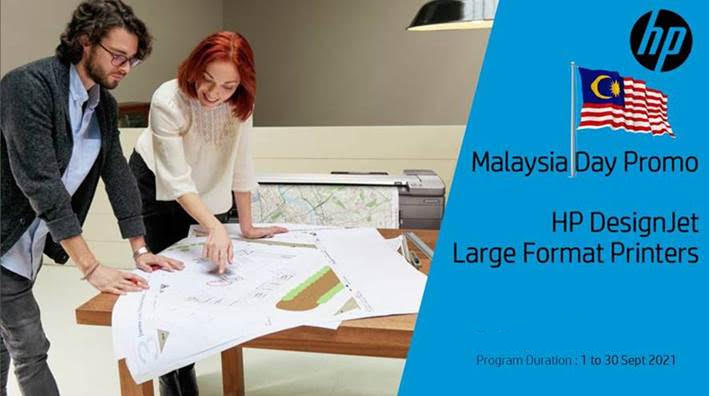 Malaysia Day Promotion for HP A1 Printer:
HP DesignJet T830 MFP 24-in (A1) MFP Function: Copy, Print, Scan Free Upgrade to 3 Year Warranty Next Business Day Support Promo: RM9,990.00 Normal: RM20,340 Malaysia Day Promo for HP A0 Printer: HP DesignJet Studio 36-in (A0) single function Function: Print only Free Upgrade to 3 Year Warranty Next Business Day Support Free 1 set Ink CMYK Worth RM526.00 Promo: RM9,990.00 Normal: RM14,648.00 HP DesignJet T730 36-in (A0) single function Function: Print only Free Upgrade to 3 Year Warranty Next Business Day Support Promo: RM9,990.00 Normal: RM13,506.00 This promo is from 1st to 30th Sept 2021 and while stock lasts only.
3 Comments
Pengurus dijel 12 bulan; guna mesin cetak majikan untuk perniagaan sendiri, raih untung RM180,000.0031/7/2021 Pengurus dijel 12 bulan; guna mesin cetak majikan untuk perniagaan sendiri, raih untung RM180,000.0029/7/2021 15:17 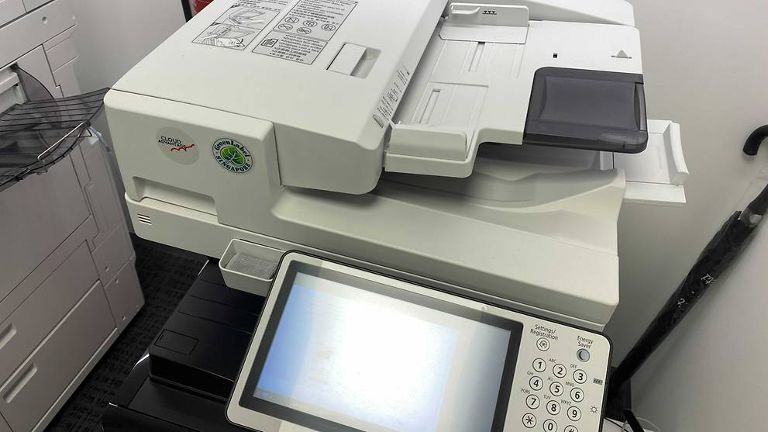 Gambar fail sebuah mesin cetak SINGAPURA: Merasakan dia tidak diberikan peluang yang secukupnya untuk maju dalam kerjayanya, seorang pengurus pengeluaran di sebuah syarikat percetakan mula mencetak barang untuk pelanggannya sendiri menggunakan peralatan majikannya.
Dia menggunakan sumber-sumber majikannya untuk memenuhi tempahan para pelanggannya dan kemudian membuka syarikat percetakannya sendiri sehingga meraih keuntungan lebih S$57,000, sekali gus menjejas pendapatan majikannya. Mike Song, 56 tahun, dijatuhi hukuman penjara selama setahun pada Khamis (29 Jul). Dia mengaku bersalah atas dua tuduhan pecah amanah sebagai seorang pekerja dengan lagi empat tuduhan turut diambil kira semasa menjatuhkan hukuman. Mahkamah diberitahu bahawa Song bertugas sebagai pengurus pengeluaran di 8 Ink Media, yang khusus dalam khidmat pencetakan. Syarikat tersebut memindahkan aset-aset dan para pekerjanya termasuk Song ke INX Events & Productions pada Februari 2019. Song mula bekerja dengan syarikat tersebut pada Oktober 2014, di mana dia awalnya mencetak kain rentang. Sebagai pengurus pengeluaran, dia memenuhi tempahan percetakan yang dihantar ke syarikat itu dan diamanahkan dengan sumber-sumber percetakan seperti dakwat dan kertas. Tertuduh bagaimanapun mula menggunakan sumber-sumber syarikat untuk mencetak bahan-bahan percetakan yang dijualnya sendiri sejak November 2015. Dia kerap tidak hadir di tempat kerja sewaktu masa bekerja dan pulang ke tempat kerja pada lewat malam. Song mula bekerja sendiri kerana dia berasa bahawa syarikat itu tidak memberikan peluang yang secukupnya untuk dia maju meskipun perniagaan syaraikat itu semakin berkembang. Dia menubuhkan syarikatnya sendiri untuk menawarkan khidmat percetakan sejak Ogos 2016 dan mencari klien sendiri sedang dia masih bekerja dengan 8 Ink Media. Dia terus mencetak kain rentang dan bahan-bahan lain untuk klien-klien peribadinya menggunakan sumber-sumber majikan pada 2017 dan 2018. Dia mencetak bahan-bahan menggunakan sumber-sumber majikan sebanyak 70 kali sepanjang dua tahun. Secara keseluruhannya, dia meraih sekitar S$57,480 daripada klien-klien peribadinya antara November 2015 dengan Disember 2019. Ia dianggap sebagai kerugian yang ditanggung oleh majikannya. Meskipun aset dan kakitangan syarikat itu dipindahkan ke INX Events & Productions, Song meneruskan perniagaannya sehingga Disember 2019. Seorang pekerja mendedahkan tindak-tanduk Song kepada pengurus besar syarikat itu pada 1 Februari 2020 dan satu aduan polis dibuat. Song bersetuju untuk membayar balik S$58,000 kepada syarikat tersebut secara ansuran dan selesai membayar sepenuhnya pada 9 Jun 2020. Bagi setiap tuduhan pecah amanah sebagai seorang pekerja, dia boleh dihukum penjara sehingga 15 tahun dan didenda. Sumber: Berita Mediacorp Top Colour Production Printer Ricoh Proc5300sMore Print Shop Prefer Production Printer Ricoh ProC5300 Compare Other BrandsPopularity of entry level Ricoh ProC5300 drives market share gains Thursday, 29 July, 2021 Ricoh Europe, London, 29 July 2021 – IDC figures show Ricoh improved its market share in EMEA across a number of sectors despite the challenging business environment in 2020. 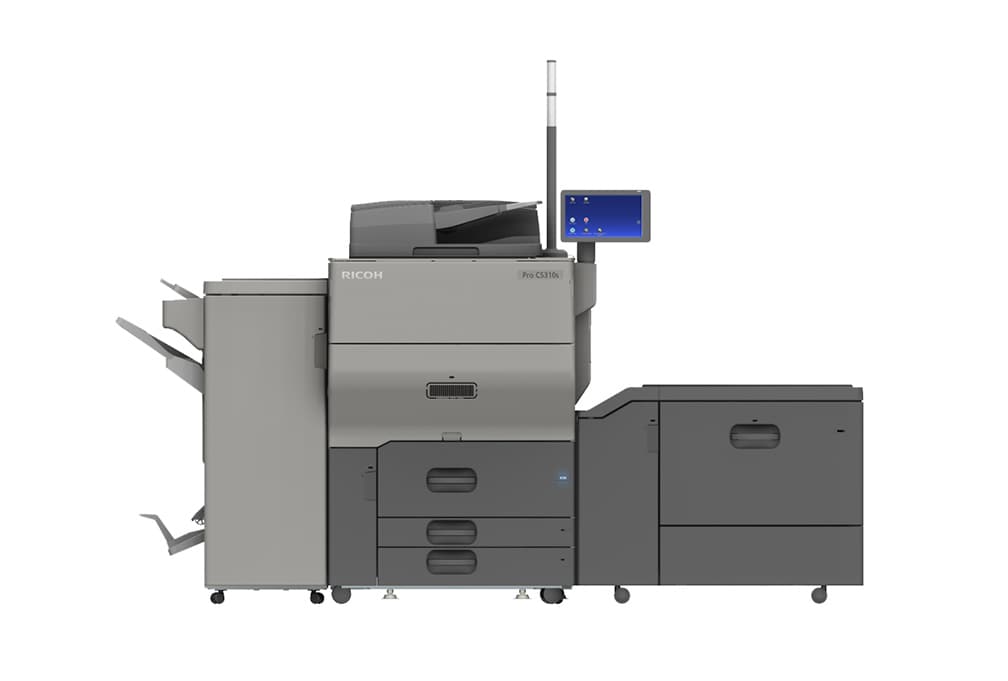 The Ricoh Pro C5300s colour sheet fed press aided market share improvements in 2020 Sales of the EDP Award winning, entry level Ricoh Pro C5300s Series sheet fed colour press lifted Ricoh’s market share in key areas according to IDC’s Quarterly Hardcopy Peripherals Tracker 2021Q1. It reports:
The Ricoh Pro C5300s Series is the newest model range in Ricoh’s sheet fed portfolio. It was developed to enable Print Service Providers, print on demand environments and Corporate Reprographics Departments to responsively produce small to medium run length applications including brochures, catalogues, postcards, and envelopes. Building on the success of its predecessor, the Ricoh Pro™ C5200s, it enables greater production flexibility, higher print quality and a broader service offering. Eef de Ridder, Vice President, Graphic Communications Group, Ricoh Europe, says: “These market share gains in a number of key sectors show how the Ricoh Pro C5300 has answered a clear demand. During an exceptionally challenging time print environments want a high quality light production versatile solution. The ability to produce many creative applications at 80ppm, with a monthly duty cycle of 450,000, delivers a flexible productivity that drives profitability.” Source - Ricoh Europe Ricoh Pro C5300s and Pro C5310s Production Presses Ricoh Malaysia & Ricoh USA has released the Ricoh Pro C5300s and Pro C5310s Production Presses that combine high-quality colour, powerful performance and a wide range of finishing options. “These features,” said the OEM “deliver a robust solution at a more accessible price point, helping more businesses deliver professional-looking presentations, vibrant proofs-of-concept, and attractive, finished booklets. Both can help in-plant printing departments bring more work in-house and marketing agencies exceed quality expectations.” Commercial printers can also leverage them as proofing devices to produce high-quality customer proofs without having to interrupt long-run jobs on higher-production presses. The new models are also “excellent options for franchise printers” looking to deliver more standout applications with specialty stocks that can command premium prices. Precise registration and colour matching combine with support for a wide range of media – including specialty stocks, synthetics, envelopes and oversized sheet options – to empower design creativity while driving accuracy and reliability. Extensive finishing options help users create professionally-finished saddle-stitched booklets, course guides, marketing materials and presentations. Meanwhile, said Ricoh, intuitive controls make this power even more accessible. “Technological innovation has pushed the sheetfed market forward, first with incredible strides in accuracy, media versatility and image quality, and second, by making those advancements accessible to more printers,” said Heather Poulin, Vice President of Marketing, Commercial Printing Business Group, at Ricoh USA. “The Ricoh Pro C5300s’ and C5310s’ affordability and size bring some of the most eye-catching, productivity-enhancing features to an even broader customer base. These presses deliver best-in-class media support for specialty stocks, oversized sheets and heavier weights – a game changer for in-plants and marketing agencies looking to make print pop without breaking the bank.” The Ricoh Pro C5300s and C5310s provide high productivity with full-colour, 2,400 x 4,800 dpi resolution at up to 80 pages per minute (ppm). Built-in sensors aid front-to-back registration, which has received vast compliments from users for duplexing, especially business cards, said Ricoh. Also useful for premium applications, these presses maintain their image quality on media up to 360 gsm. Each presses’ 10-inch Smart Operation Panel makes managing the many substrate options available significantly easier with an intuitive Paper Library that contains 1,000 preset or custom profiles. Trained Customer Replaceable Units (TCRUs) also empower users to execute routine maintenance on their own schedule, helping to drive uptime while further contributing to the presses’ reliability. Both the Ricoh Pro C5300s and C5310s are Energy Star Certified and carry an EPEAT Gold Rating. Source: Graphic Arts Magazine Ricoh IM C300F, New A4 Colour Photocopy Machine 2020 Ricoh Malaysia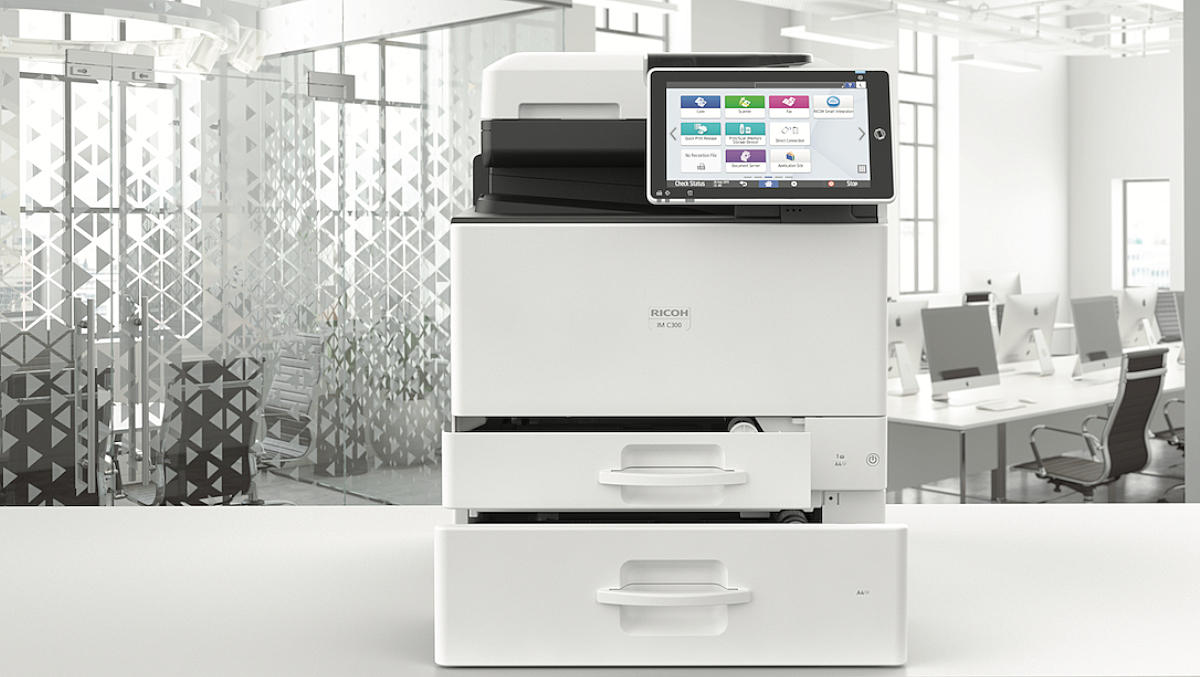 Ricoh has unveiled a new range of multi-function devices as it looks to further support smart workspaces for small to medium workgroups. The new range of colour A4 multi-function devices use smart workplace technology to support the digital workplace through in-built scalability, security, and sustainability, Ricoh says. The new range of Ricoh IM C300F and IMC 400F devices are part of Ricoh's Dynamic Workplace Intelligence approach and incorporate printing, scanning, faxing and copying functionality. "The user-friendly devices are ideally positioned for small to medium workgroups of between 5 to 15 people that require business class image quality in a desktop multi-function printer, as well as low total cost of ownership with an advanced feature set that promotes increased productivity and smart workplaces," the company explains. Ricoh IM C300F feature fast colour print speeds of up to 30 ppm, scanning speeds of up to 80ipm and are designed to generate up to 10,000 pages each month. They are the first A4 series to feature Ricoh's Always Current Technology platform. The offering enables users to download and install new application functionality, features and upgrades directly to their device as they become available. "Digital workplaces deploying the new Ricoh devices can scale their capabilities based on their latest needs, while also keeping security features and software completely up to date. There's also instant access to upgrades the moment they hit the market, eliminating the need to purchase new hardware for additional functionality or wait for contracts to expire. Also included is support for the latest mobile printing applications," Ricoh says. Key features:
"At the same time, Ricoh service experts can remotely access the devices smart operations panel for fast troubleshooting and perform automatic firmware updates. Our aim is to ensure maximum user productivity at all times to support business continuity and innovation," he says. " We look forward to the positive impact which these new devices will have in the workplace." Source: IT Brief Australia RICOH Ri 1000 Wins SGIA Product of the Year Award for Direct to Garment Printers (black shirt) 16 October 2019 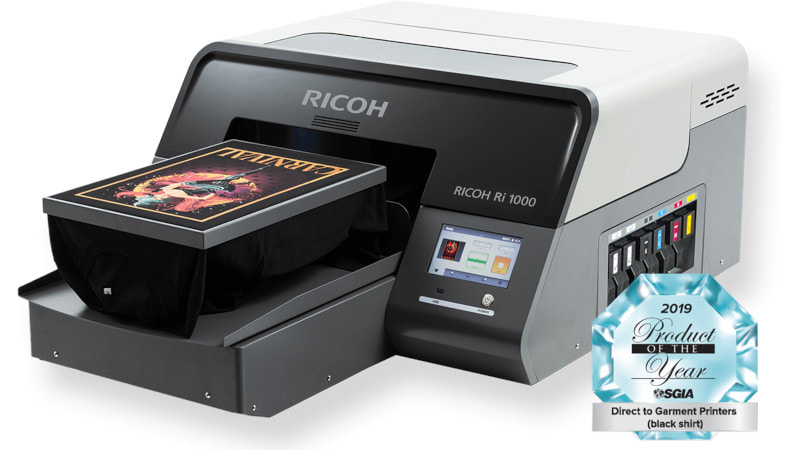 The RICOH Ri 1000 earned its ‘Product of the Year’ designation based on the machine’s performance and a sample print evaluated by an independent panel of judges from the direct-to-garment printing industry. AnaJet, a Ricoh Company, earns prestigious designation for the RICOH Ri 1000 designed to fuel profitability and business growth for the direct-to-garment printing industry TUSTIN, CA, October 8, 2019 – AnaJet, a Ricoh company and pioneer in the direct to garment (DTG) industry, is proud to announce that the RICOH Ri1000 won the Specialty Graphic Imaging Association’s (SGIA) 2019 Product of the Year Award in the category of “Direct-to-Garment Printers (black shirt).” The SGIA Product of the Year competition evaluates products that are, or will be, available for sale in 2019. A highly qualified panel of judges from across the printing industry evaluated the annual contest’s 200+ entries in 72 categories spanning analog, digital, output, and non-output technologies. “As part of our commitment to serve as a strategic partner for our customers, we continually strive to deliver innovative direct-to-garment technology that fuels profitability and business growth for users,” explained Karl Tipre, CEO, AnaJet, Inc. “We achieved this objective by integrating customer feedback into the design process of the RICOH Ri 1000, making direct-to-garment printing easier, more affordable, and capable of producing even higher quality results than were possible with past printers. It’s incredible for the machine to be recognized for these features, first as a CES 2019 Innovation Award Honoree and now as an SGIA Product of the Year.” To compete in the category of “Direct-to-Garment Printers (black shirt),” entrants must submit a sample image printed on a black t-shirt. Created by the SGIA specially for the competition, the sample graphic tests overall color appeal, tonality, image detail, objective color matching, and grayscale color cast. For accurate results, judging is based on reports generated by the Sonoco Institute of Packaging Design and Graphics at Clemson University. “This is the only competition I know of that reports on the percentage of Adobe RGB a printer can hit,” said Ray Weiss, Director of Digital Print Programs, SGIA. “We’ll display the reports alongside the entries in the Awards Gallery at PRINTING United in October.” Judges also factor in overall printer productivity as they assess image quality. Source: Anajet Ricoh Colour Photocopy Machine Ricoh IMC2000 / IMC2500 / IMC3000 / IMC3500 / IMC4500 / IMC6000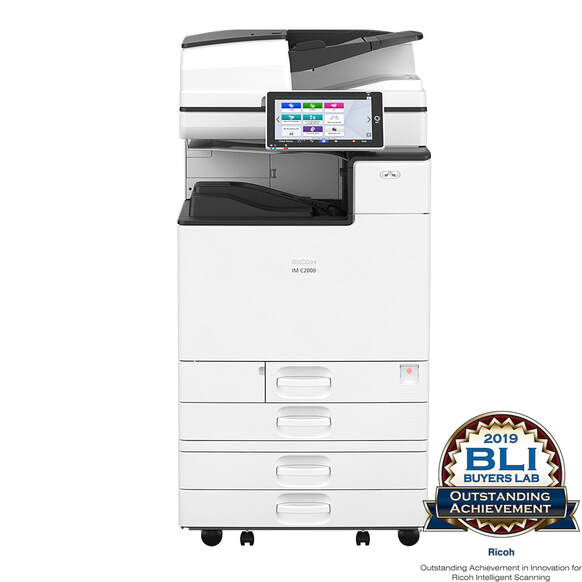 Ricoh Unveils New Intelligent Printer Devices For Dynamic Workplaces 21 January 2019 Ricoh has announced the launch of its first series of Intelligent Copier Devices to meet the constantly changing needs of today’s digital workplaces. The range is part of Ricoh’s Dynamic Workplace Intelligence approach and features Ricoh’s new Always Current Technology, ensuring the technical capabilities of products evolve in parallel with customer requirements.
With Ricoh's Always Current Technology, users can download and install new applications, features and upgrades directly to their device as they become available, providing complete agility and flexibility. The platform empowers digital workplaces to scale their capabilities based on their latest needs, while also keeping security features and software completely up to date. Additionally, it enables instant access to upgrades the moment they hit the market, eliminating the need to purchase new hardware for additional functionality or wait for contracts to expire. Furthermore, RICOH Intelligent Support ensures software upgrades can be quickly performed remotely and that user uptime is maximised. The new IM C series of A3 colour photocopy machine MFPs is the first in a range of intelligent devices Ricoh will bring to market featuring the next generation platform. The array of upcoming office printing advancements includes Ricoh Cloud Workflow Solutions, a collection of innovative cloud-based technologies that deliver streamlined simplicity in affordable, scalable, subscription-based packages to help customers grow their business. Ricoh Always Current Technology is realised in 13 new A3 colour photocopier intelligent printer MFPs that will be launched in Europe, including the RICOH IM C2000, IM C2500, IM C3000, IM C3500, IM C4500 and IM C6000. These devices print at 20, 25, 30, 35, 45 and 60 pages per minute (ppm), respectively. They deliver printing, scanning, copying, finishing and faxing support for output sizes up to SRA3, and standard mobile printing support. Each device is certified with an EPEAT rating. 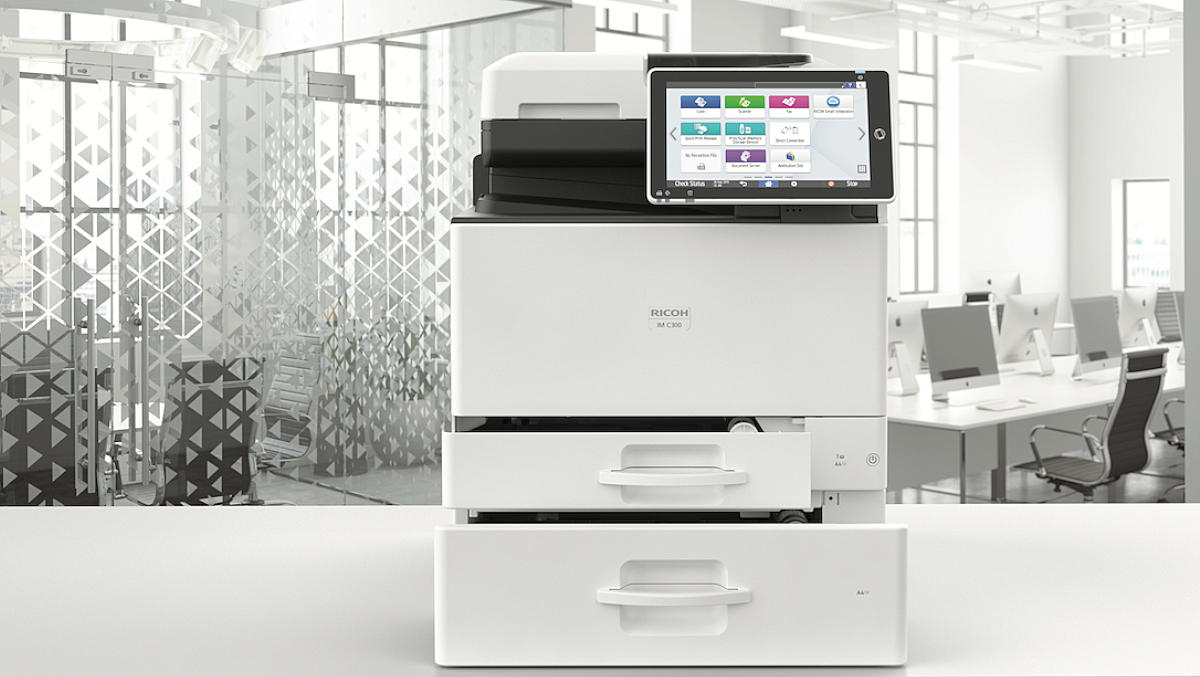 Ricoh has unveiled a new range of multi-function devices as it looks to further support smart workspaces for small to medium workgroups.
The new range of colour A4 multi-function devices use smart workplace technology to support the digital workplace through in-built scalability, security, and sustainability, Ricoh says. The new range of Ricoh IM C300F and IMC 400F devices are part of Ricoh's Dynamic Workplace Intelligence approach and incorporate printing, scanning, faxing and copying functionality. "The user-friendly devices are ideally positioned for small to medium workgroups of between 5 to 15 people that require business class image quality in a desktop multi-function printer, as well as low total cost of ownership with an advanced feature set that promotes increased productivity and smart workplaces," the company explains. The devices feature fast colour print speeds of up to 40 ppm, scanning speeds of up to 80ipm and are designed to generate up to 10,000 pages each month. They are the first A4 series to feature Ricoh's Always Current Technology platform. The offering enables users to download and install new application functionality, features and upgrades directly to their device as they become available. "Digital workplaces deploying the new Ricoh devices can scale their capabilities based on their latest needs, while also keeping security features and software completely up to date. There's also instant access to upgrades the moment they hit the market, eliminating the need to purchase new hardware for additional functionality or wait for contracts to expire. Also included is support for the latest mobile printing applications," Ricoh says. Key features:
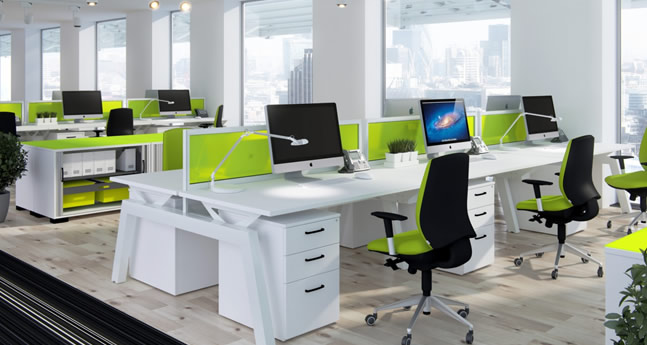
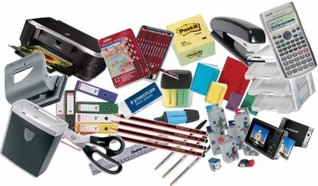
" We look forward to the positive impact which these new devices will have in the workplace." Source: IT Brief Essential Types of Office Equipment
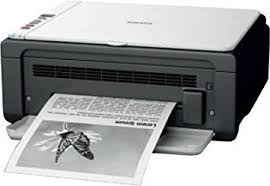
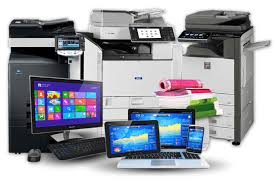
1. Dictation Machines One piece of equipment that may not seem essential to many people is the dictation machine. Although speech recognition software continues to evolve, it is not without pitfalls. Executives who need to draft letters, memos, and reports are best off dictating the copy and recording it, since speaking is much faster than writing and can be done while performing other tasks. The type of equipment chosen depends on the preferences of the dictators, number of users, frequency of use, and budget. Some dictation equipment uses cassette tapes, while more modern versions record digitally and even use a phone system for recording. However the audio is recorded, this file is then processed by another employee, who transcribes the audio into a written document and saves, emails, or prints it. 2. Printers Any office that runs even one PC needs a printer to create hard copies of electronic documents and files. Despite the promises of paperless offices in the future, that era has not yet arrived. All sorts of business documentation needs to be printed, whether the business is a product- or service-oriented industry. Examples of common office documents include invoices, packing slips, flyers, and letters. Printers can be used not just to generate transfer electronic files to paper but also to create composite documents containing digital information and scanned images. 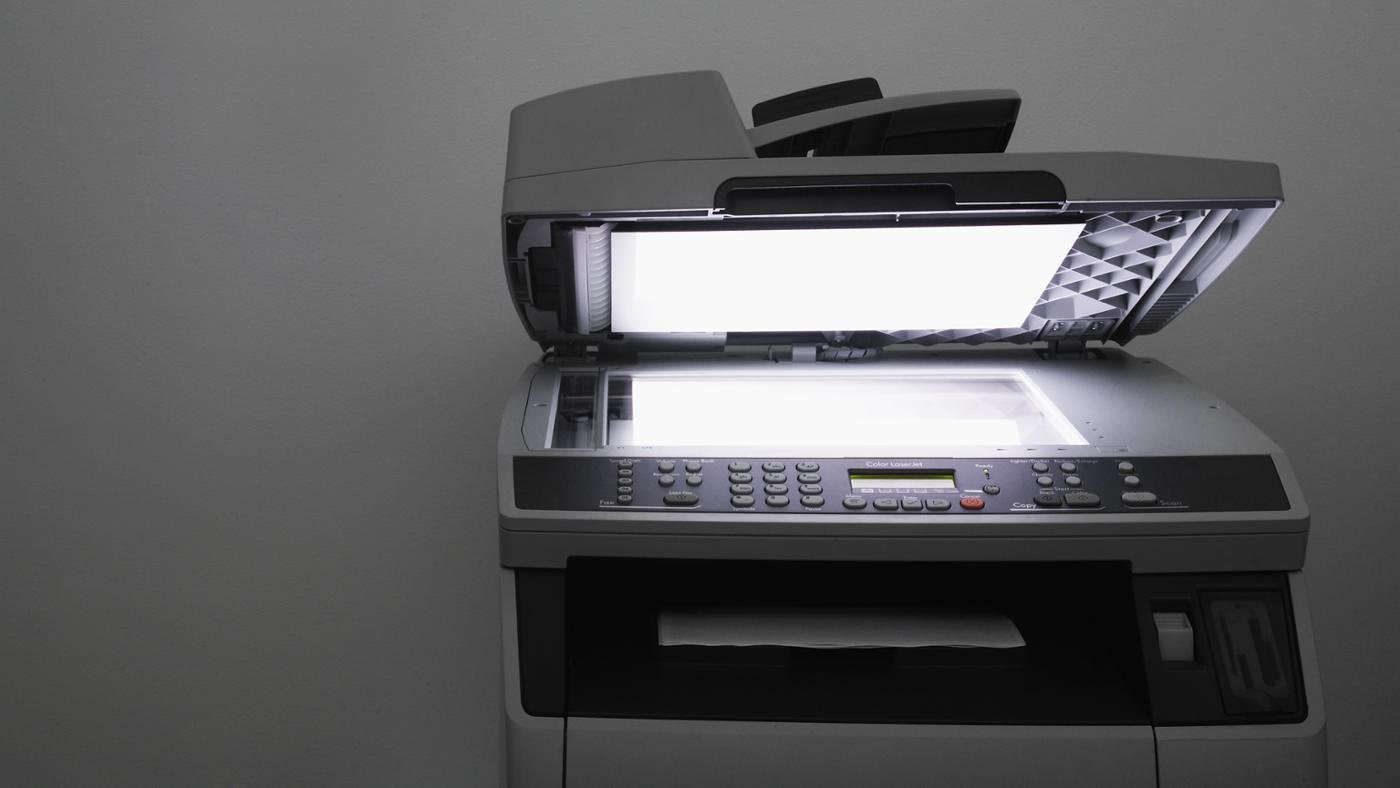 3. Document Scanners While the fax machine was once considered an indispensable piece of office equipment, electronic copies of just about any document are now possible with the help of a scanner. A scanner copies an image of papers that were not created electronically and converts them into digital images so that they can be stored on a computer or emailed. Examples of items that might need to be scanned include photographs, pages from print publications, cash register receipts, drawings, and forms that have been filled out by hand. Even a letter that was created in a computer software program might have been received in hard copy and so would need to be scanned into a storage system if the digital file was not available. Before the invention of the scanner, the best that could be done with miscellaneous materials was to photocopy and file them, a practice which is still followed today in some places. 4. Photocopy Machine, Copiers It is difficult to imagine, but there was once a time not too long ago when the only way to make a copy of a document was to replicate it by hand, either by typing it again or actually rewriting it. Offices used to employ special clerks called scribes or scriveners to perform this task. Even though the printing press was popularized in the West as early as the 15th century by Johannes Gutenberg, such presses were not always practicable for everyday office use. Some offices did purchase small printing presses when their business required multiple copies of documents; other firms simply outsourced these tasks to a larger printing press. Eventually, a variety of copying options came into practice, such as letter copying presses, copy pads and books, and roller copiers. Later developments included carbon paper, mimeographs, and the Ditto machine. Eventually, xerography technology ("dry writing") was perfected and led to the development of the copiers with which modern consumers are famPhotocopieriliar. The first photocopiers produced black and white images, and these are still useful for many basic copying purposes. The choice of whether or not a color copier is needed is up to the office manager or business owner and depends on the types of documents that are copied regularly. Some businesses keep only a black and white copier on hand and send color copies out to an offsite print shop, but color technology is becoming more and more affordable, particularly with the introduction of combination copier/printer/scanner units.
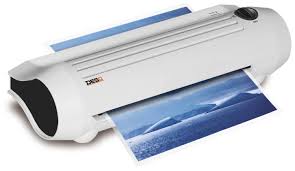
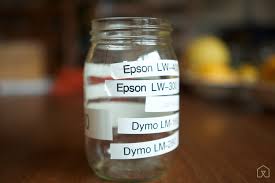
6. Label Makers Like a laminating machine, a label maker might seem more like an extra than a needed piece of office equipment, but if this is the case, then it may be that one simply does not realize the scope of what can be done with such a handy gadget. The following list is just a handful of the many wonderful ways in which a business office can be better organized by using a label maker:
7. Shredders In a world where identity theft runs rampant, one of the most important pieces of equipment for any office to own is, ironically, the one that destroys all of the documents that the employees work so hard to produce. Tearing papers into bits by hand is not only time-consuming and tiring but is not always as effective as it needs to be. Paper shredders cut a sheet of paper into so many pieces that it is extremely difficult or even impossible to put them back together and recover the lost information. A shredder is a necessity in any business where confidentiality is a legal requirement, such as law, medicine, and education. Of course, any office that has employees keeps documentation on human resources, and much of this information is confidential as well. Shredders range from inexpensive units that fit over a wastebasket to large, heavy-duty machines that can destroy several pages at once; every office supply buyer needs to consider the needs of the office and take them into account when making a decision on which type of shredder to buy. The more rugged shredders can handle stapled papers and can also shred plastic credit cards and other such cards with identifying information on them.
8. Computer Projector For Presentation or Meeting A projector or image projector is an optical device that projects an image (or moving images) onto a surface, commonly a projection screen. Most projectors create an image by shining a light through a small transparent lens, but some newer types of projectors can project the image directly, by using lasers. A virtual retinal display, or retinal projector, is a projector that projects an image directly on the retina instead of using an external projection screen. The most common type of projector used today is called a video projector. Video projectors are digital replacements for earlier types of projectors such as slide projectors and overhead projectors. These earlier types of projectors were mostly replaced with digital video projectors throughout the 1990s and early 2000s, but old analog projectors are still used at some places. The newest types of projectors are handheld projectors that use lasers or LEDs to project images. 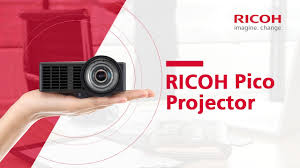 9. Office Essential Business Materials Printing Design custom print essential business materials that introduce and distinguish your business. Create consistent branding on business cards, labels, and envelopes.
10. Network Equipments full line of powerful enterprise class networking solutions for all your network needs at simple subscription service. By combining these solutions with cloud-management service, customers can address today’s highest networking priorities, from bandwidth expansion, VoIP, BYOD, to network security. Source : eBay
|
AuthorFotostat Seri Murni News Blog Archives
July 2022
Categories |

 RSS Feed

|

|

|

|

|

|

|
Contact Us
Fotostat Seri Murni Sdn Bhd
Malaysia Nationwide Petaling Jaya, Selangor: +603 - 7480 4928 Pulau Pinang, Penang: +604 - 653 0128 Kota Bharu, Kelantan: +6011 - 1074 8264 Kuala Terengganu, Terengganu: +609 - 622 4253 Kemaman, Terengganu : +609 - 853 4028 |
|




Copyright © 2023 Fotostat Seri Murni Sdn Bhd. All rights reserved.